Job Vacancy Creating Guide
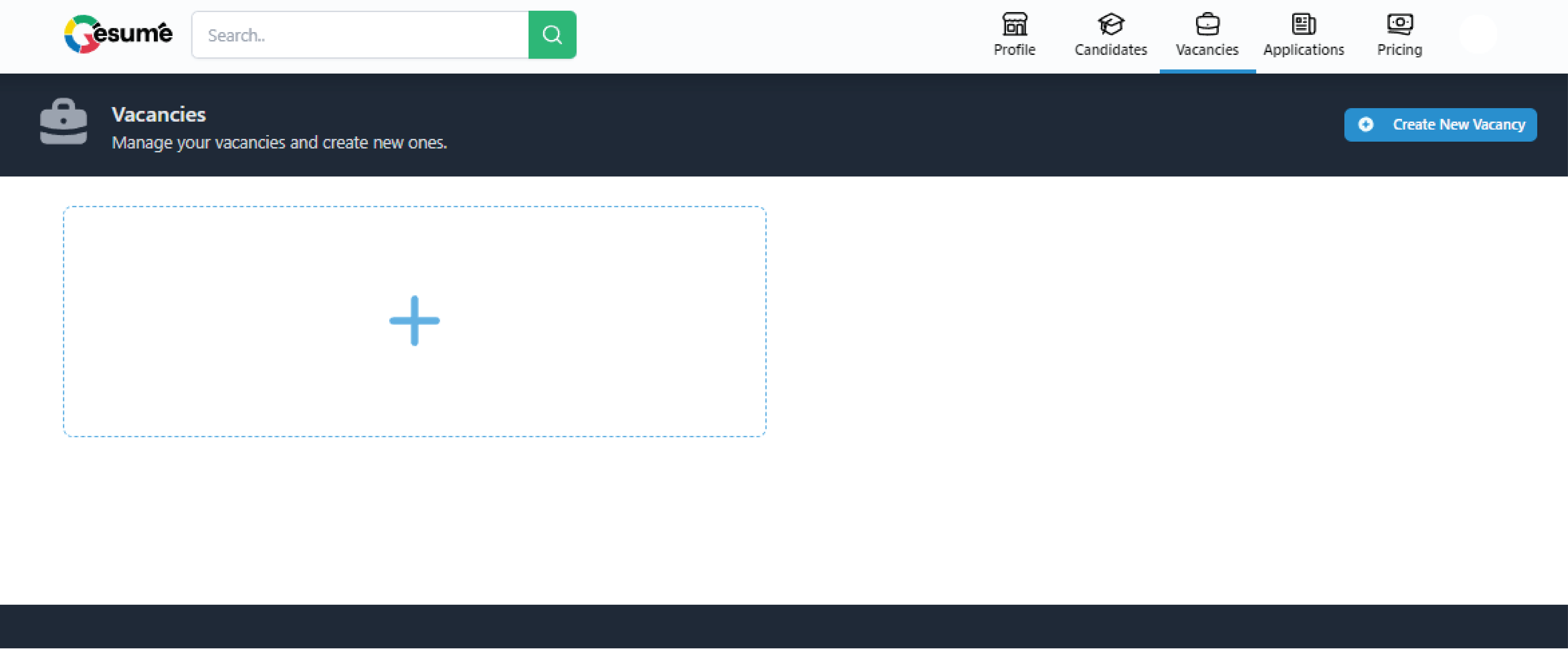
After you create a company account go to Vacancies in the header.
Click on the Plus or Create New Vacancy button.
1
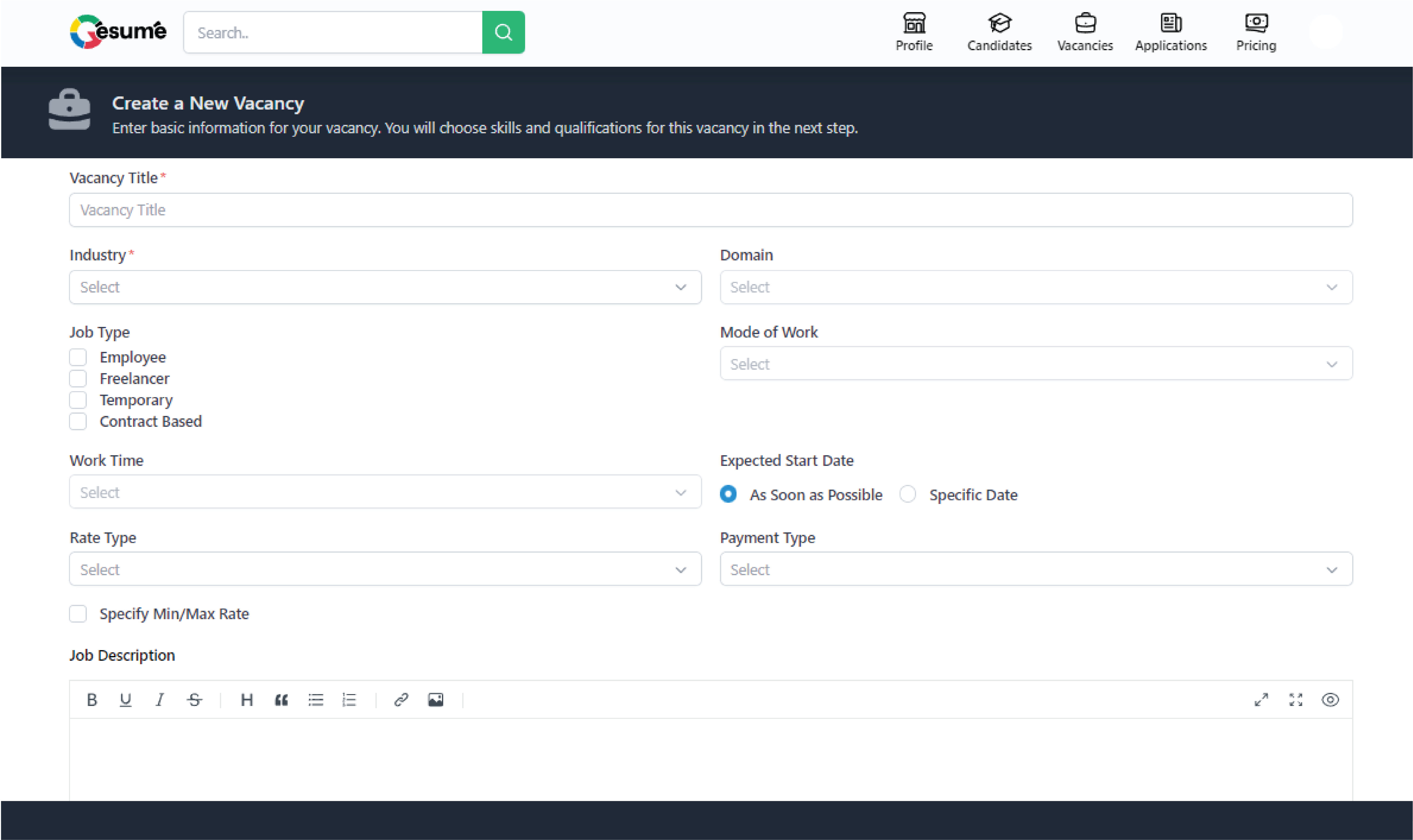
Fill in the basics of the position.
2
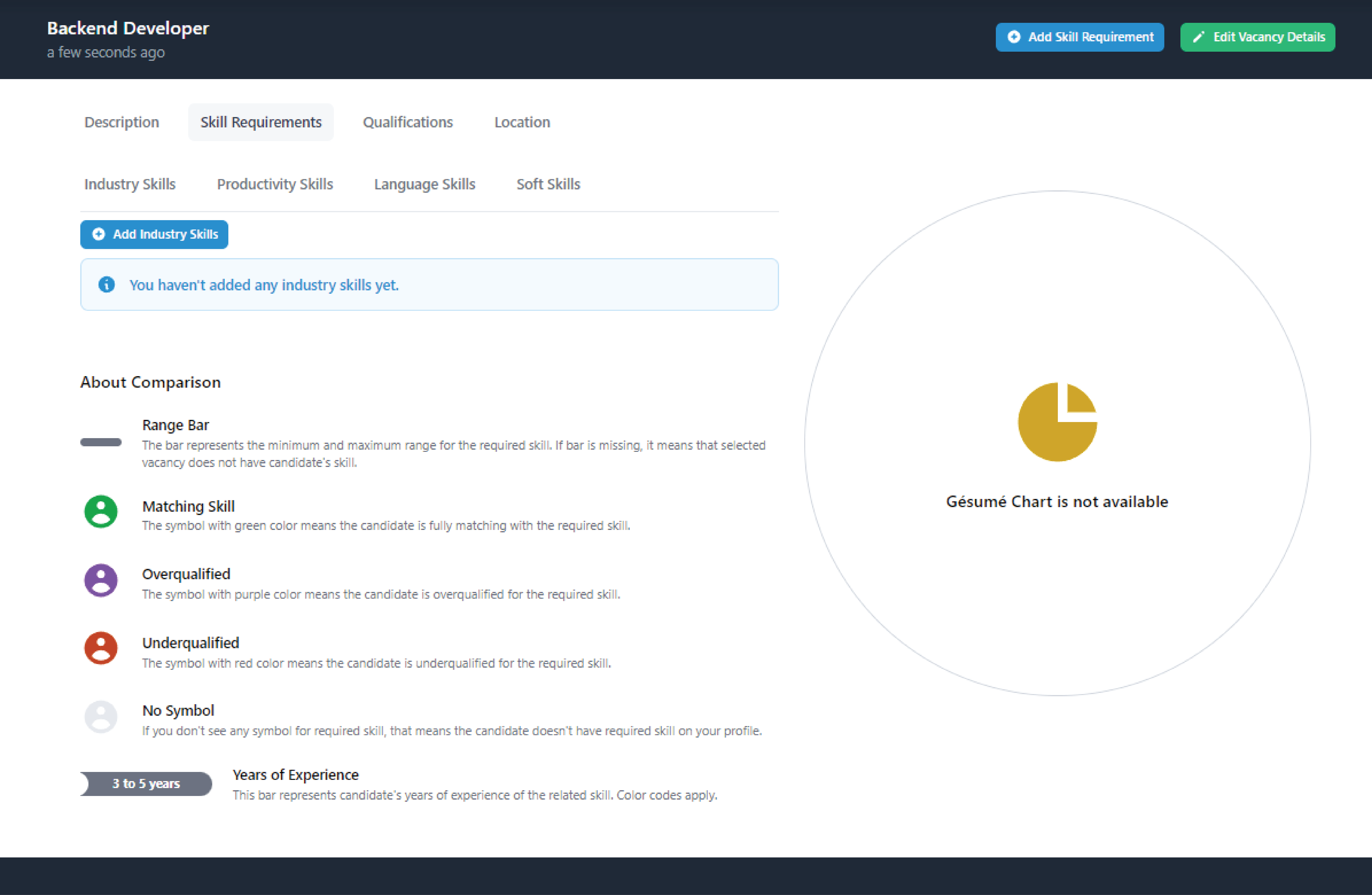
Then start with the Skills! We recommend starting with industry skills, our hallmark feature. Click on Add Industry Skills.
3
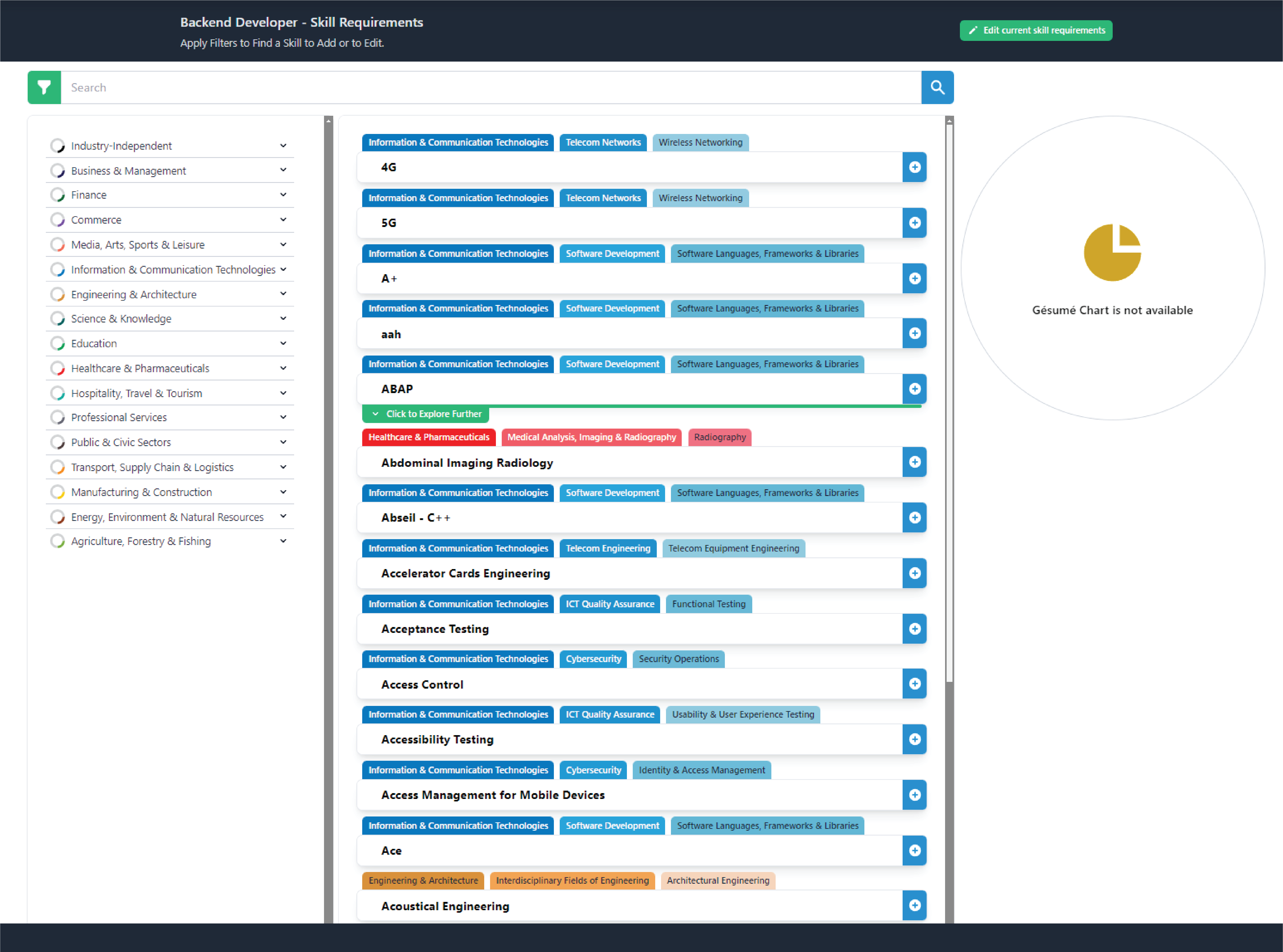
You’ll see all the Industry Skills here. On the left panel, you can browse skills categorized by industries.
4
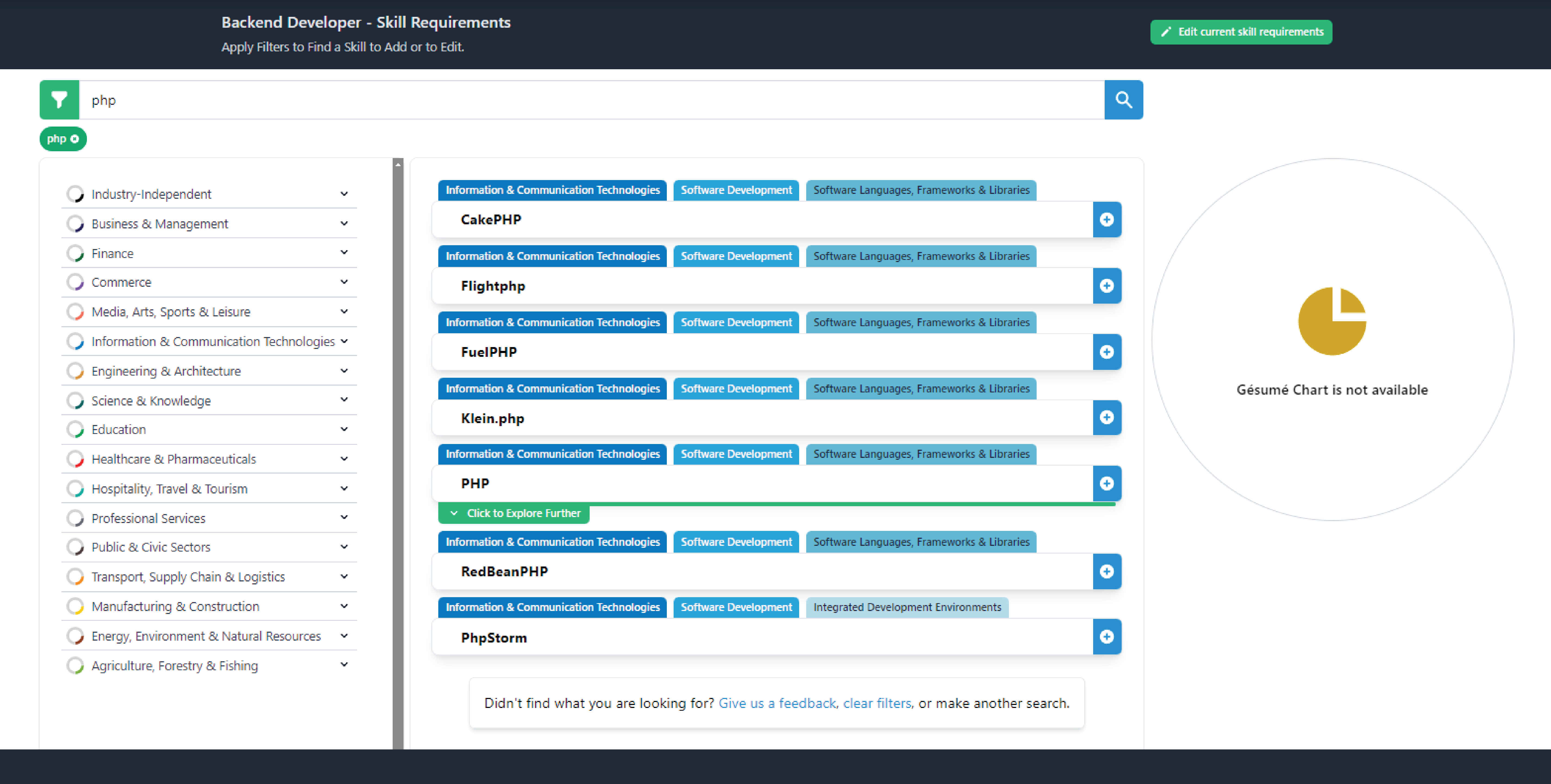
You can also search skills in the search area. Click on the blue plus on the right side of the skill.
5
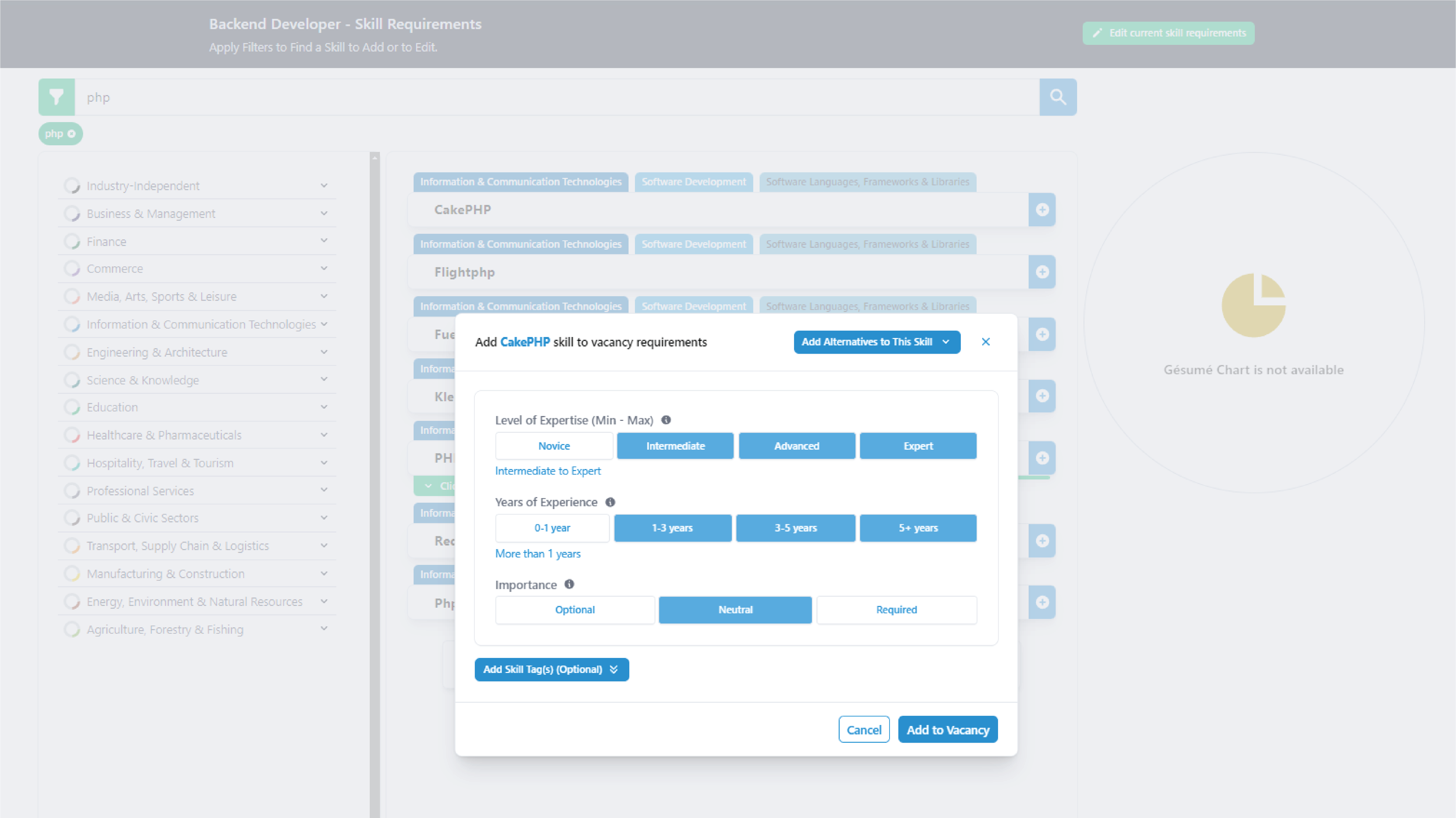
This is an important part for the position-talent match. Notice Level of Expertise and Years of Expertise selections have minimum and maximum ranges, select accordingly.
6
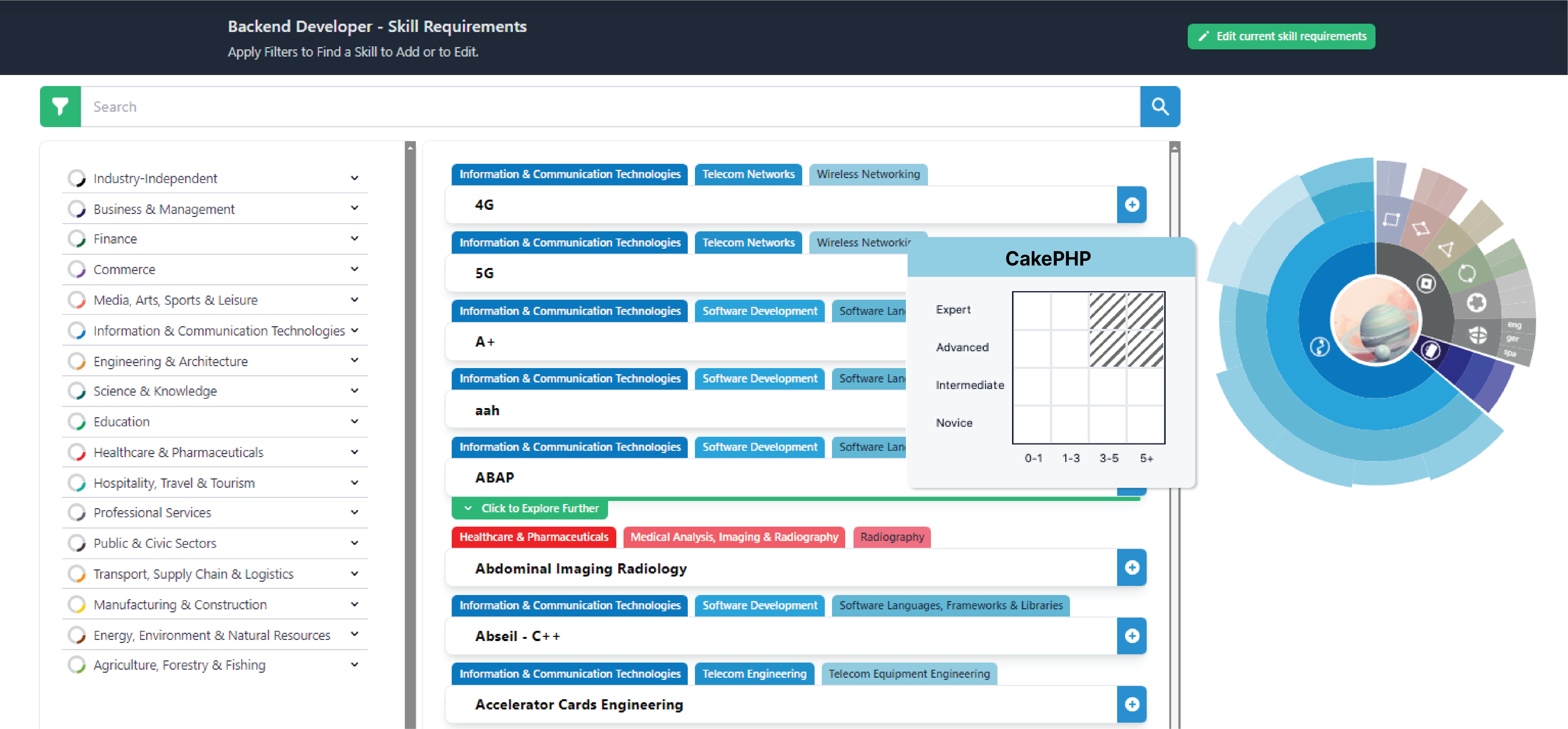
Now you can see your position chart and how Years/Level of Expertise selection affects it.
7
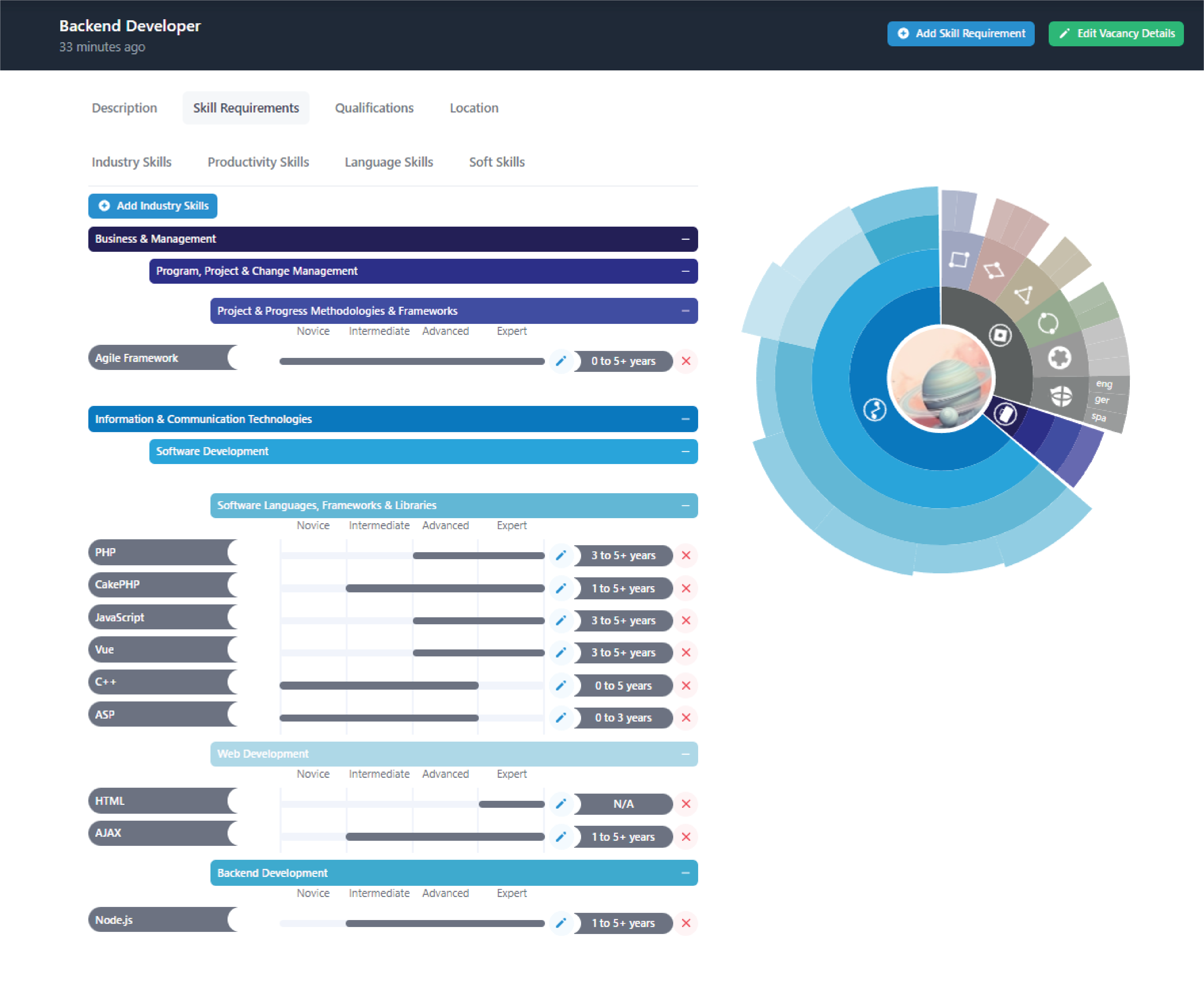
After you add a few skills, your Industry Skills tab and chart will look like below (here we drafted a position, ‘a digital marketer experienced in concert halls’). You can edit and delete skills here. And add more with the blue button at the top.
8
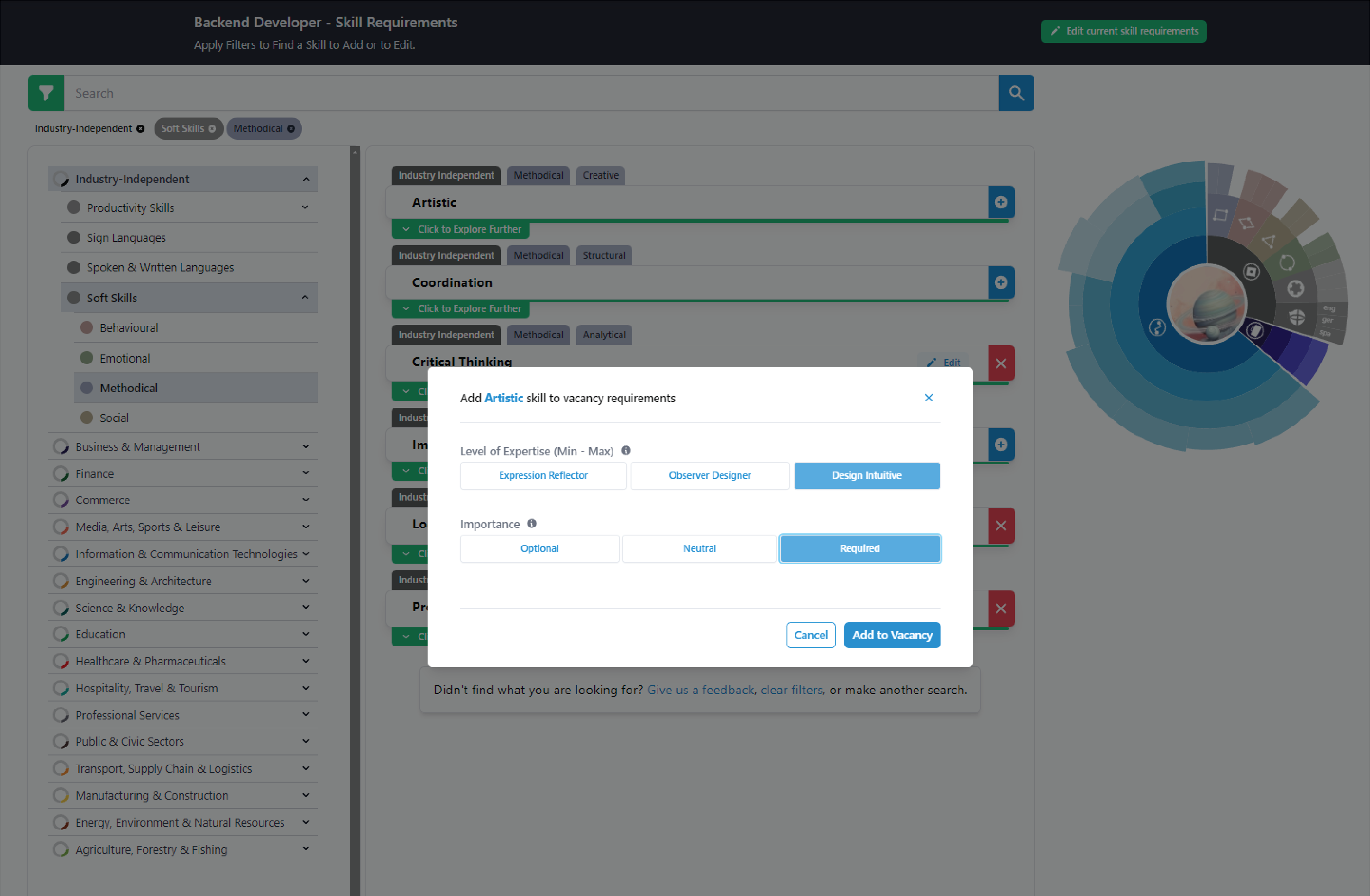
Soft skills, productivity skills and languages are just like industry skills, only simpler.
9
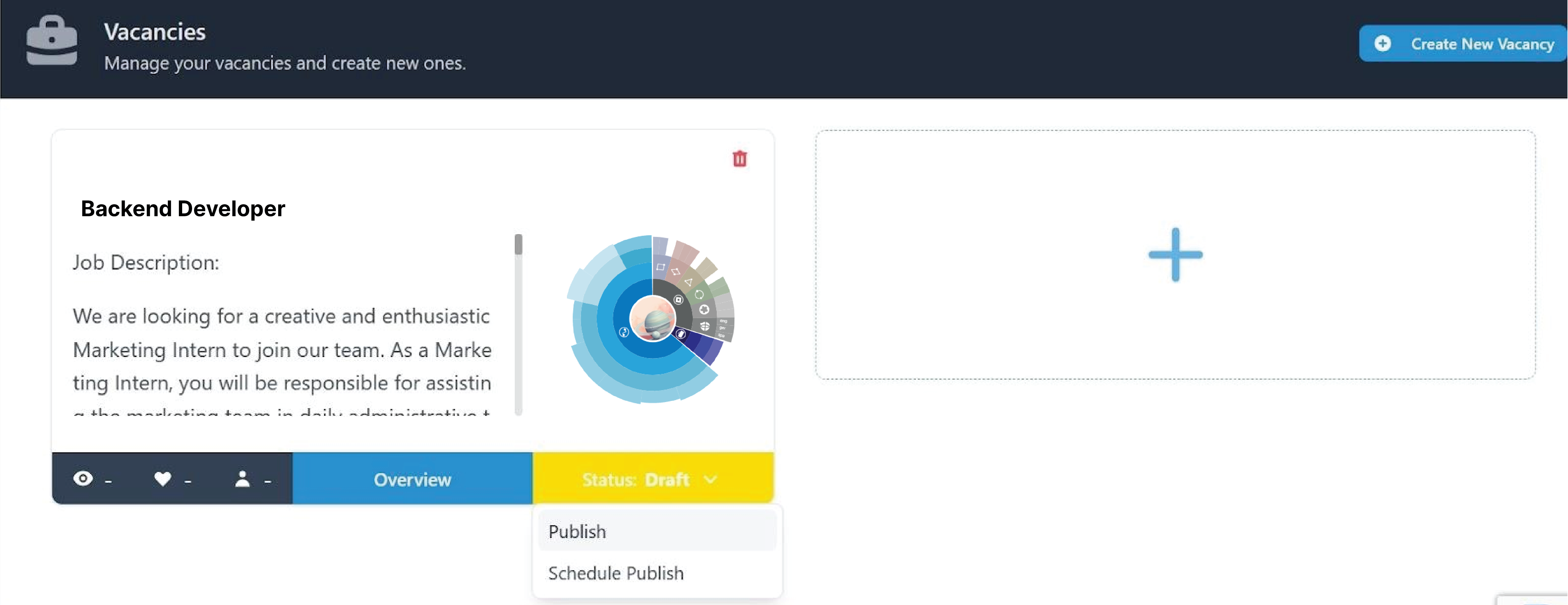
For the last step, go to your vacancies, set the publish date, and publish the vacancy in the Gésumé network.